 AUGURAUGUR
AUGUR reads your own files and writes the answer, with every claim cited to the exact passage it came from. In a meeting, it listens and answers in the moment. All of it runs on your device.
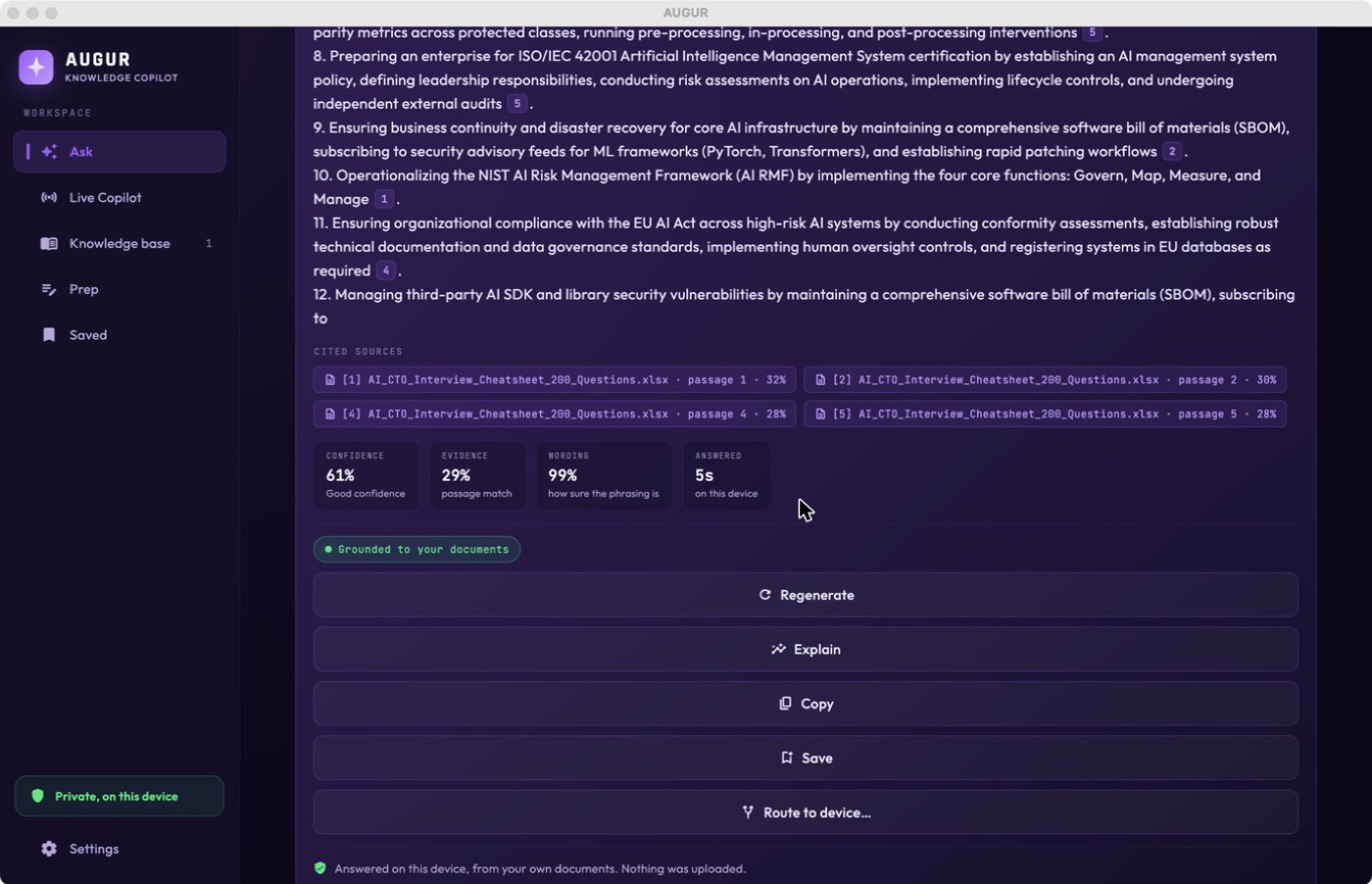
Cloud assistants send your contracts, notes and research to someone else’s servers to answer a question. AUGUR doesn’t. It reads your files, retrieves the exact passages, and writes a grounded, cited answer right on your device. If your documents don’t cover the question, it says so instead of guessing.
Drop in PDFs, Word, Excel, PowerPoint, text or Markdown. AUGUR reads and indexes them on your device. Nothing is uploaded.
Type a question, or turn on Live Copilot in a meeting. AUGUR catches the question and finds the passages that answer it.
You get a written answer with every claim linked to the exact passage. Send it to your other devices, or save it for later.
Reading, retrieval and the answer all happen on your device. Your documents and questions never leave it.
Every claim is linked to the exact passage it came from, so you can check it, and it never invents what isn’t there.
In a meeting, AUGUR listens, catches a question, and surfaces a grounded answer within seconds, hands-free.
Route an answer to your iPhone, iPad, Mac or Watch, instantly over your own private iCloud. Nothing goes to a third party.
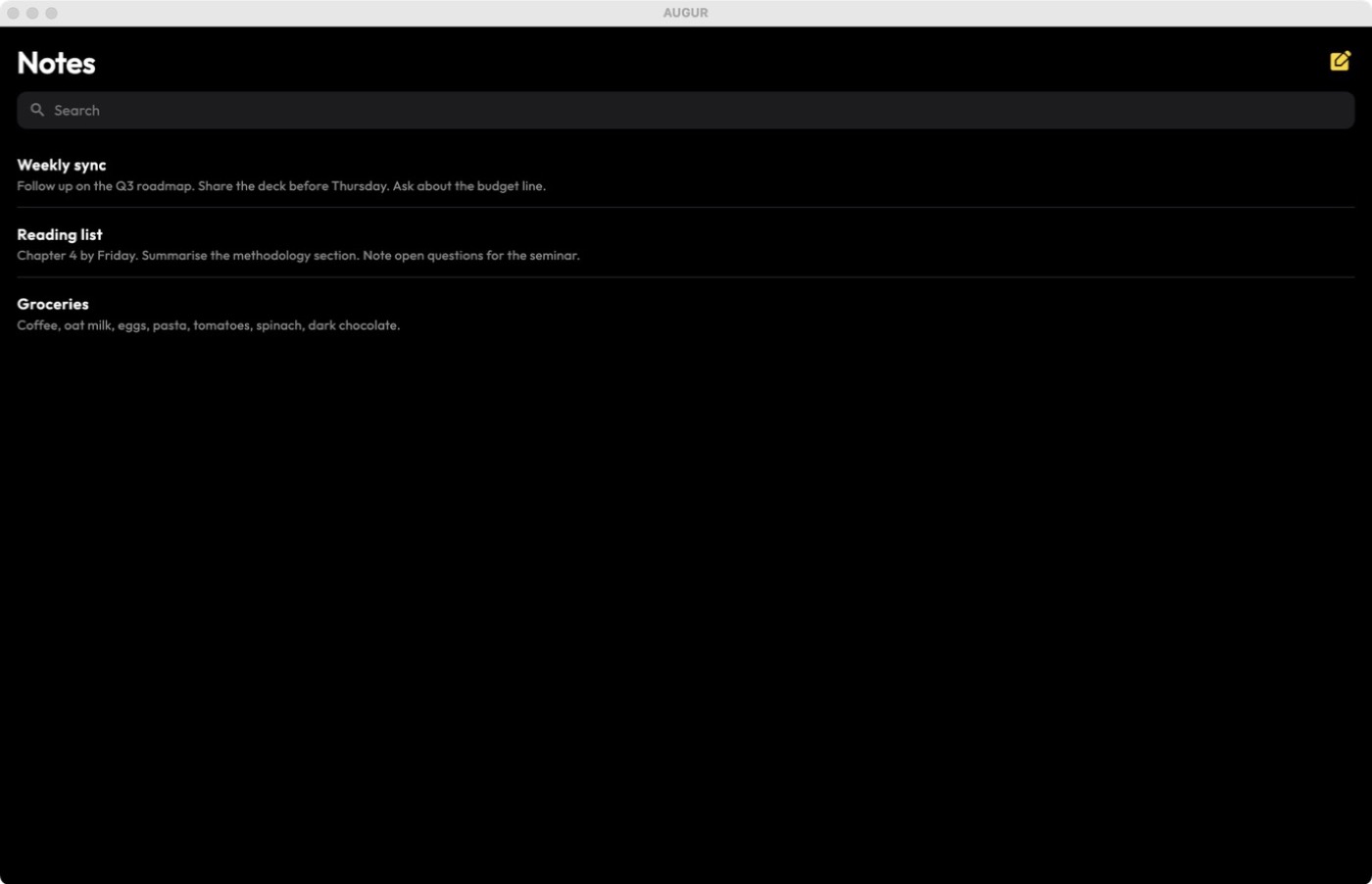
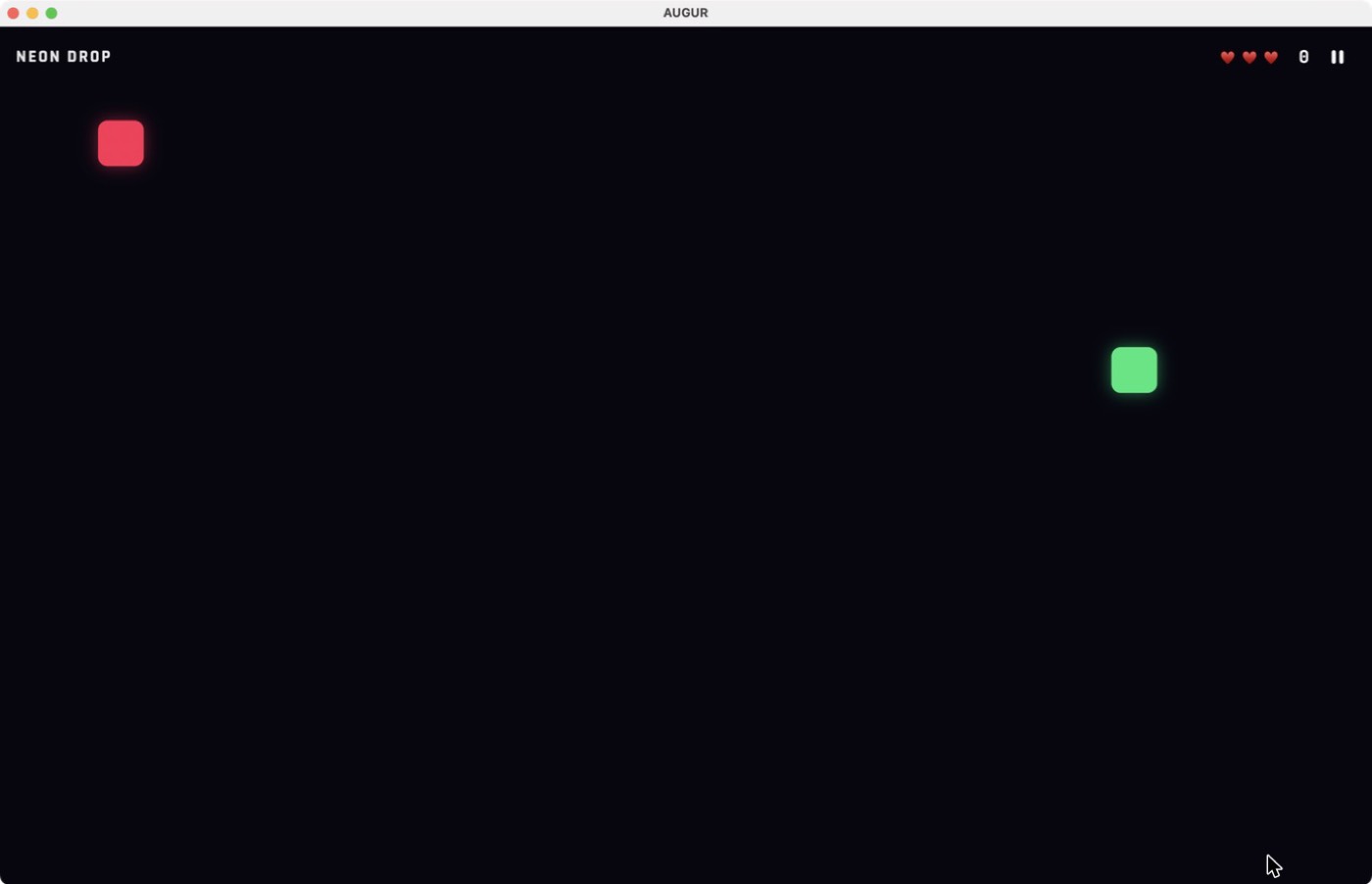
Open AUGUR as a plain Notes app or an arcade game. A secret gesture and Face ID reveal it. A panic button, or a shake, hides it again.
iPhone, iPad and Mac, with your knowledge base kept on whichever device holds it.
AUGUR puts the right answer in front of you at the exact moment you need it, drawn from your own documents and worked out on your own device.
Route each answer to your Apple Watch, iPhone or iPad, or hear it whispered to a headset or earpiece, so your eyes stay up and your hands stay free.
MacBook, iPhone or iPad, whichever you have with you. Start a session on one device and read the answers on another.
Share your screen and read answer cards right on it, or keep the cards on your other devices, out of sight of the room.
AUGUR listens, detects the question being asked, and surfaces a grounded answer automatically, no tapping, no searching.
Load your proposals, contracts, cheat sheets, policies and compliance docs, all on-device, and recall any detail the moment it’s asked.
When a question isn’t covered by your files, the on-device AI answers from general knowledge, clearly marked as not from your documents.
Optionally disguise AUGUR behind a Notes app or an arcade game. A secret sequence of gestures and a biometric login bring the real app back.
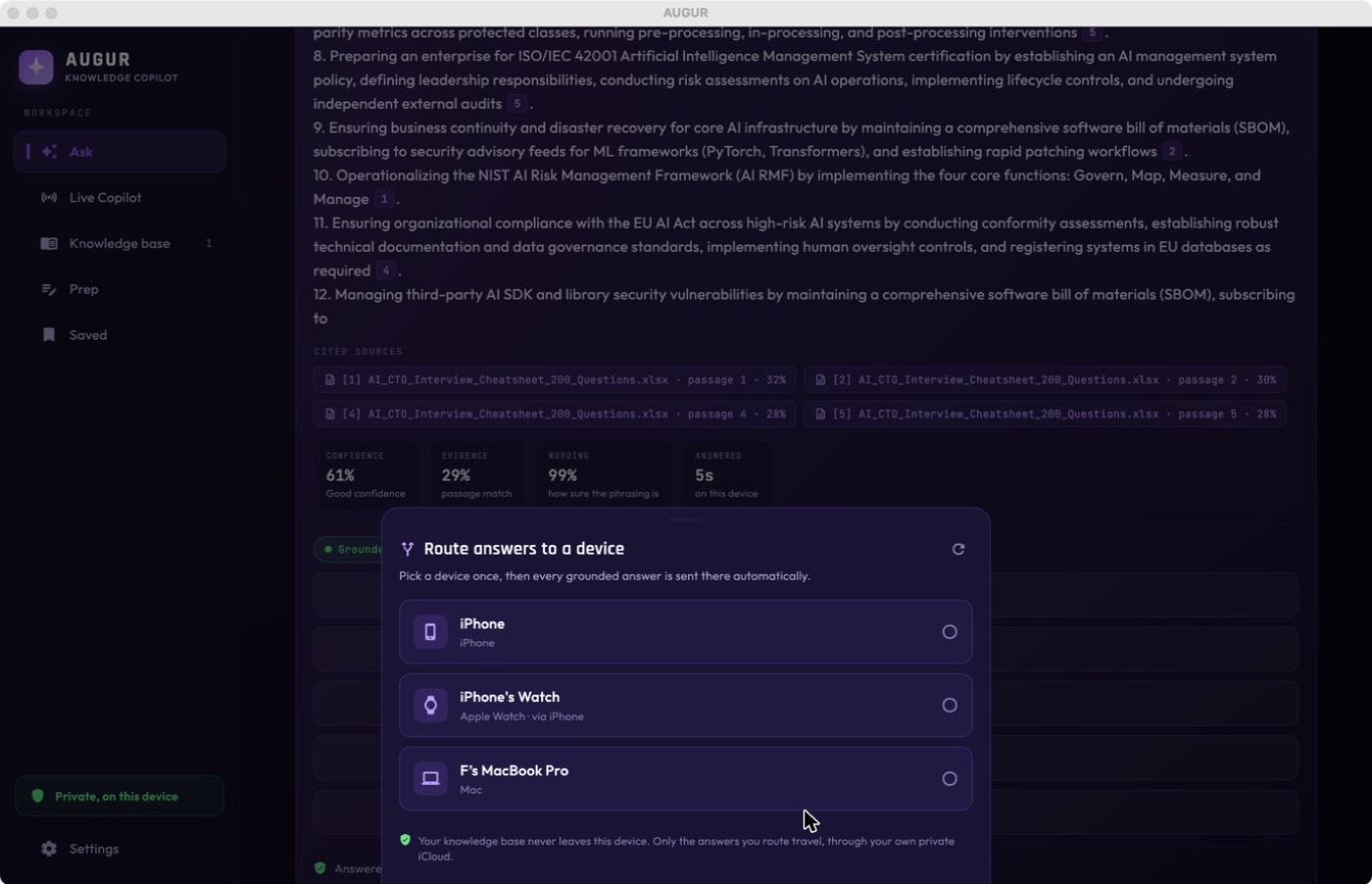
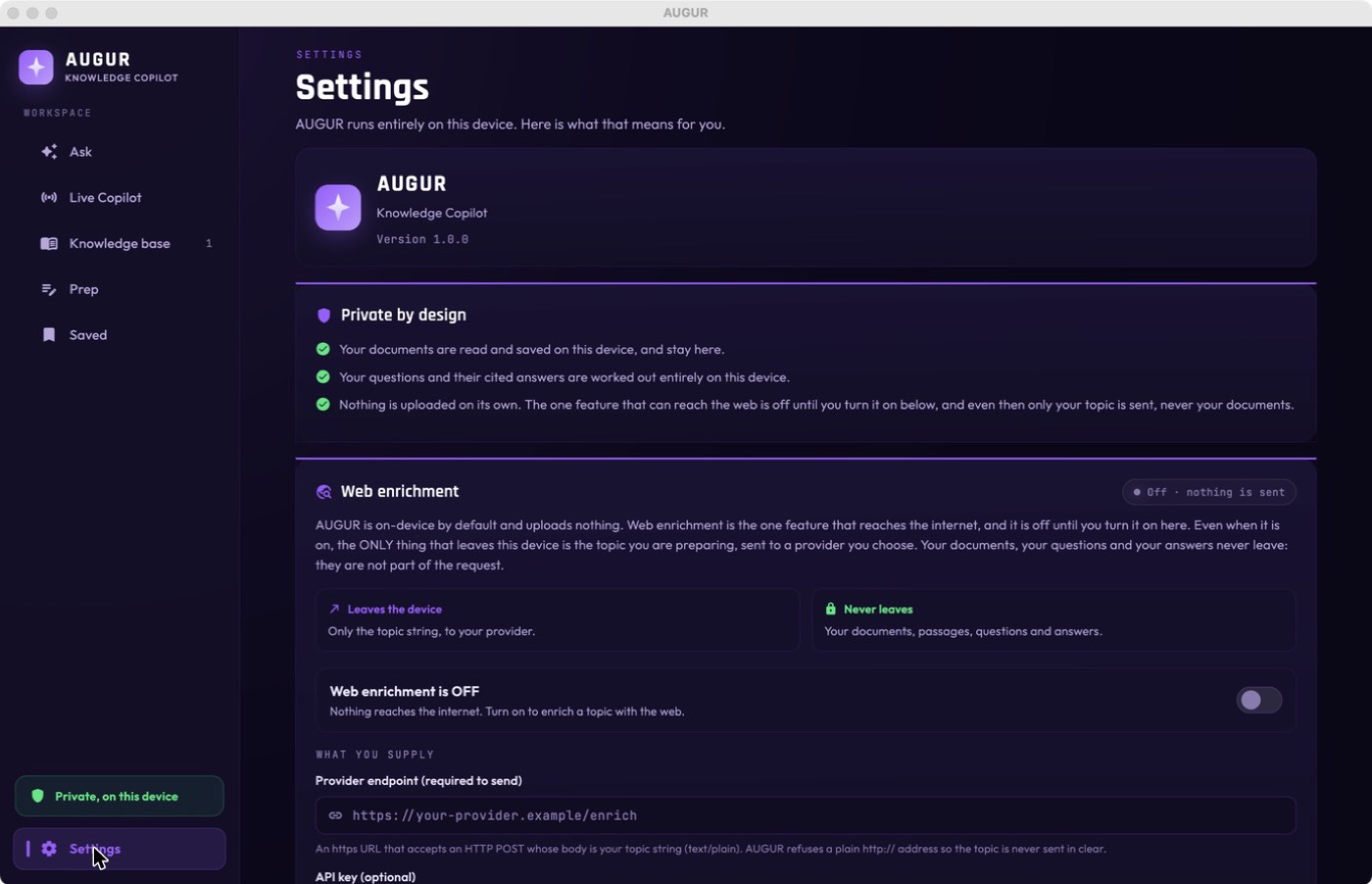
There is no account and no cloud to sign in to. The one feature that can reach the internet is off until you turn it on, and even then only a topic you choose is sent, never your documents, questions or answers. Send-to-device uses your own private iCloud, between your own devices, not a third party.
Writing or making videos about on-device AI and privacy? Put AUGUR behind a packet capture and watch it answer from your documents while staying completely silent, no cloud, no account, no calls home. Get in touch for early access.
No. Reading, search and the answer all run on your device. There’s no account and no cloud. The only optional online feature sends a topic you choose, never your documents, and it’s off until you turn it on.
AUGUR tells you instead of guessing, and shows the closest passages it found. You can optionally turn on a general-knowledge answer from the on-device model, clearly marked as not from your documents.
AUGUR can open as a plain Notes app or an arcade game. Only a secret press-and-hold plus Face ID / Touch ID / passcode reveals the real app. A panic button, or a shake on iPhone, hides it again instantly.
iPhone, iPad and Mac. Your knowledge base stays on whichever device holds it, and you can send a finished answer to your other devices over your own private iCloud.